FlowForge / Obsidian voice notes
Obsidian voice notes, spoken on your iPhone
FlowForge turns a spoken thought into a clean note and files it into your Obsidian vault as plaintext markdown. Transcription runs on the iPhone with Whisper, notes pass through an iCloud inbox, and the FlowForge Mac relay drops them into the folder you choose. Vault sync is free, with no subscription.
From a spoken thought to a note in your vault
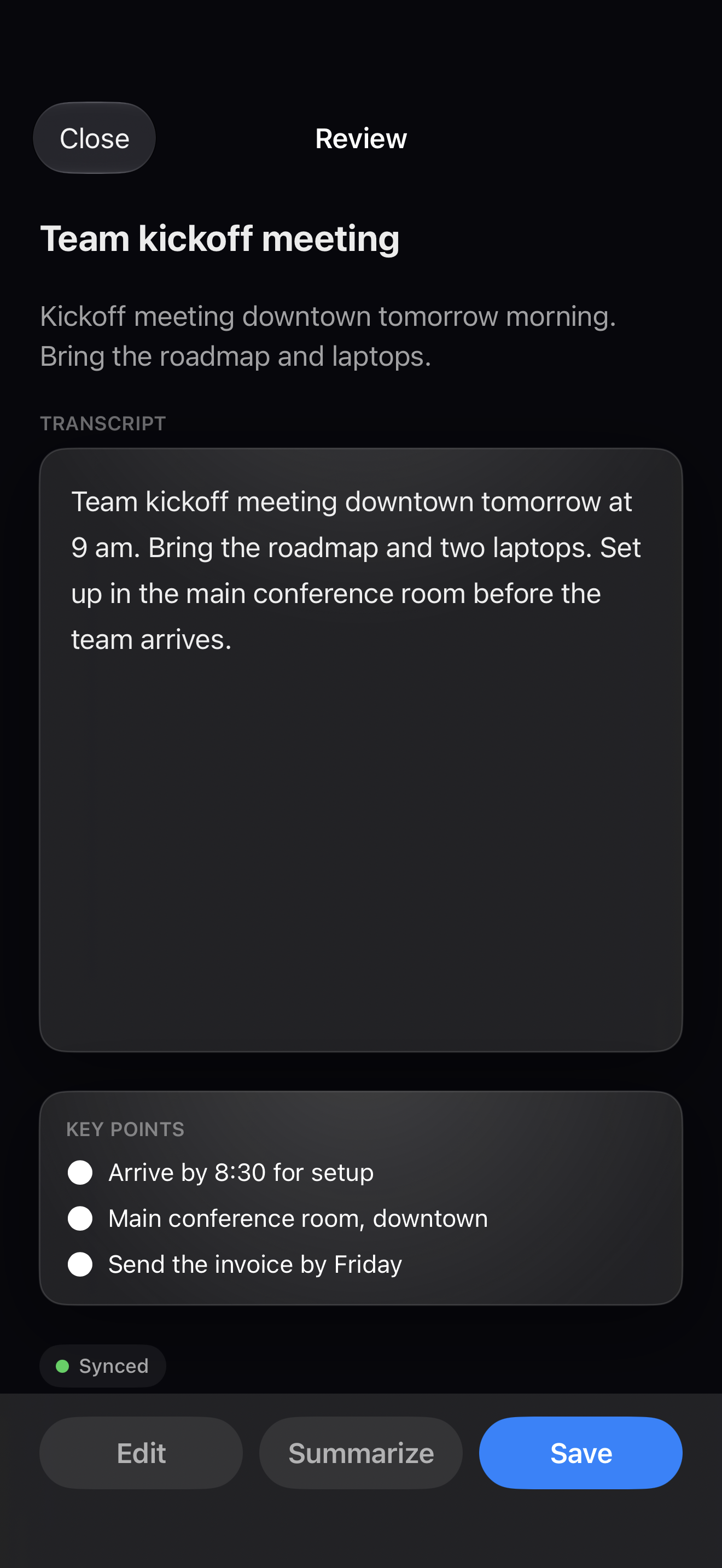
Speak, transcribed on device
Tap the mic and talk. Whisper turns speech into text on the iPhone, so your audio never leaves the phone for transcription.
Cleaned up, as markdown
Apple Intelligence tidies rough dictation on device, and the note is written as plaintext markdown.
Filed into your vault
Notes queue in an iCloud inbox and the Mac relay files them into the Obsidian folder you choose. Vault sync is free.
Standalone if you want
No Mac and no vault required. Everything still lives in FlowForge, and you can export to Apple Notes or Files.
Three steps to voice notes in Obsidian
Capture on your iPhone
Speak a note from the mic, Action Button, or Siri. It transcribes on the device and is saved to FlowForge history first.
Point FlowForge at your vault
Turn on Obsidian sync and choose the folder. Notes queue in an iCloud inbox between your phone and the relay.
Run the Mac relay
The FlowForge Mac relay files queued notes into your vault as plaintext markdown. Leave it running and new notes just appear.
Prefer to keep everything on the phone? FlowForge runs standalone with no Mac and no vault. Notes live in the app, and you can still export to Apple Notes or a Files folder whenever you want.
Questions, answered
How does FlowForge get notes into Obsidian?
You speak a note on your iPhone and FlowForge transcribes it on the device. Notes land in an iCloud inbox, and the FlowForge Mac relay files them into your Obsidian vault as plaintext markdown, so they show up as normal notes in the folder you choose.
Do I need a Mac for Obsidian sync?
Automatic vault filing runs through a small Mac relay app, so a Mac handles that step. Capture always happens on the iPhone. With no Mac, FlowForge works standalone: every note is kept in the app, and you can still export to Apple Notes or a Files folder.
Are the notes saved as plaintext markdown?
Yes. FlowForge writes plaintext markdown that drops straight into the vault you already keep, so your notes stay portable and readable with no lock-in. That suits Obsidian and other PKM and second-brain workflows.
Is sending notes to Obsidian free?
Yes. Obsidian vault sync and Apple Notes export are free, along with capture, on-device transcription, and Apple Intelligence polish. A one-time $39.99 FlowForge Pro unlock adds automatic Files export, calendar writes, Notion, and Meeting Mode.
Talk to your vault.
FlowForge is free to download, keeps your voice on device, and files plaintext markdown into the Obsidian vault you already keep. No subscription.